
Key Takeaways
What you'll learn in this article
- Fix the reflection covering the important detail, not every highlight on a shiny object.
- Test one light, a stable phone, and a small change in angle before buying equipment or changing camera settings.
- Check the entire demonstration movement: a clean starting frame can become unreadable when you tilt the product.
- Keep colors, texture, and comparison conditions honest. Clearer footage is a production improvement, not a guarantee of reach.
Key Takeaways
- Fix the reflection covering the important detail, not every highlight on a shiny object.
- Test one light, a stable phone, and a small change in angle before buying equipment or changing camera settings.
- Check the entire demonstration movement: a clean starting frame can become unreadable when you tilt the product.
- Keep colors, texture, and comparison conditions honest. Clearer footage is a production improvement, not a guarantee of reach.
To reduce glare in TikTok product videos, start by moving the light or rotating the object slightly while keeping your phone still. Watch the bright reflection move across the surface, then choose a position where it no longer covers the feature you are explaining. Use a broad, soft light source when practical, and adjust exposure only after the reflection is in a useful place.
You do not need a completely reflection-free product. A gentle highlight can show that a mug is glazed or a bag has a glossy finish. The problem is a bright patch that hides the lid seam, surface texture, or other evidence your hook promises to show.
The following workflow is practical filming guidance, not a TikTok ranking formula.
Identify the problem before changing the setup
Pause a short test clip at the moment the important detail disappears.
- A bright patch that shifts when you rotate the object is likely a reflection problem.
- An image that repeatedly sharpens and softens suggests a focus problem.
- Bands or brightness pulses across frames suggest a flicker problem.
- A dark object against a bright window may need a different exposure or camera position, not simply less glare.
These can occur together. Separate them so you do not spend an afternoon adjusting focus to repair a reflected lamp.
Name the detail that must remain readable. For a craft demonstration, it might be the raised edge of a glaze pattern. For a kitchen tool, it might be the hinge moving into its locked position. That detail becomes your test target.
Start with one light and a stationary phone
Choose a simple setup you can reproduce. Put the phone on a stable support, clean its lens, and place the object on a plain surface. Avoid balancing a phone above fragile products without a suitable mount.
For the first test, use one main light source. A window with indirect daylight is a useful starting point. Turn off nearby room lights temporarily if they create competing reflections or obvious color differences. Do not place the window directly behind the object unless the shot specifically needs that silhouette.
Record a short clip rather than judging only the live preview. Move the product through the actual demonstration, then replay the saved footage at normal phone-viewing size.
Your first pass answers one question: which reflection is blocking the evidence? You are not trying to perfect the whole room.
Move the reflection before lowering brightness
A shiny surface reflects its surroundings toward the camera. Moving the source, camera, or object changes what the camera sees reflected. Start with whichever element you can change without undermining the demonstration.
- Keep the phone fixed and rotate the product slightly.
- If that hides the feature itself, return the product and move the light to the side or higher.
- If you are using a window, shift the table or camera position instead.
- Record the same movement again and compare the saved clips.
Make one adjustment at a time. Otherwise, you will not know which change helped.
A ring light placed close to the lens can create an obvious circular reflection on glossy packaging. Moving it off the camera axis may help more than turning its brightness down. With a curved object, some reflection will often remain; aim to position it away from the important detail.
Lowering exposure can make the whole picture darker without making the hidden feature readable. Solve the placement problem first, then fine-tune brightness.
Make the source larger and softer when needed
If the reflection is small and harsh, try a larger, softer source. Indirect window light or a purpose-built diffused LED can create a broader highlight with a less abrupt edge.
Broader does not automatically mean better. A large white reflection can still cover the entire front of a bottle. Combine softness with an angle that leaves the target detail visible.
A plain white board can bounce light into a dark side of the scene. A dark board placed outside the frame can sometimes give a reflective edge more definition. Move either slowly while watching the phone preview; the board may itself appear in the reflection.
Keep materials clear of hot lamps, vents, and electrical equipment. Do not tape paper or fabric over a light as an improvised diffuser. Use equipment designed for that purpose, or choose a safer daylight setup.
The most useful way to reduce glare in TikTok product videos is usually to simplify the scene until each visible reflection has an identifiable source.
Preserve the product's real appearance
Before recording the full explanation, check three things:
- Color: does the product look reasonably like it does in person?
- Texture: can you still see the finish rather than a smooth white patch?
- Shape: are the edge and working parts distinguishable from the background?
Avoid solving glare with a strong beauty filter or aggressive smoothing that erases the texture you are reviewing. If your recording app offers exposure or focus locking, use it only after testing the distance and movement you need. Controls differ by device and app.
Keep conditions consistent when demonstrating a change or comparing two products. Moving a light to make one item look better weakens the comparison, even if each individual shot looks attractive.
For reflective metal, some environmental reflection is part of how its shape becomes visible. Do not chase a flat, reflectionless appearance that misrepresents the material.
Test the movement, not just the opening frame
A bottle may look clear while standing still, then flash white as you turn it toward the camera. A lid may reflect the light only when you open it. Rehearse the action at the speed you will actually use.
Mark a comfortable starting position and keep the important movement within a readable area. If the action cannot remain visible in one angle, record a second view that shows the missing information. Do not force an awkward hand movement merely to preserve a perfect-looking frame.
Use this quick playback check:
- Watch once without sound. Can you identify what changed?
- Pause at the most important moment. Is the feature visible?
- Watch with narration. Does the explanation refer to something the viewer can actually inspect?
If the answer is no, reshoot that specific demonstration before dismantling the setup.
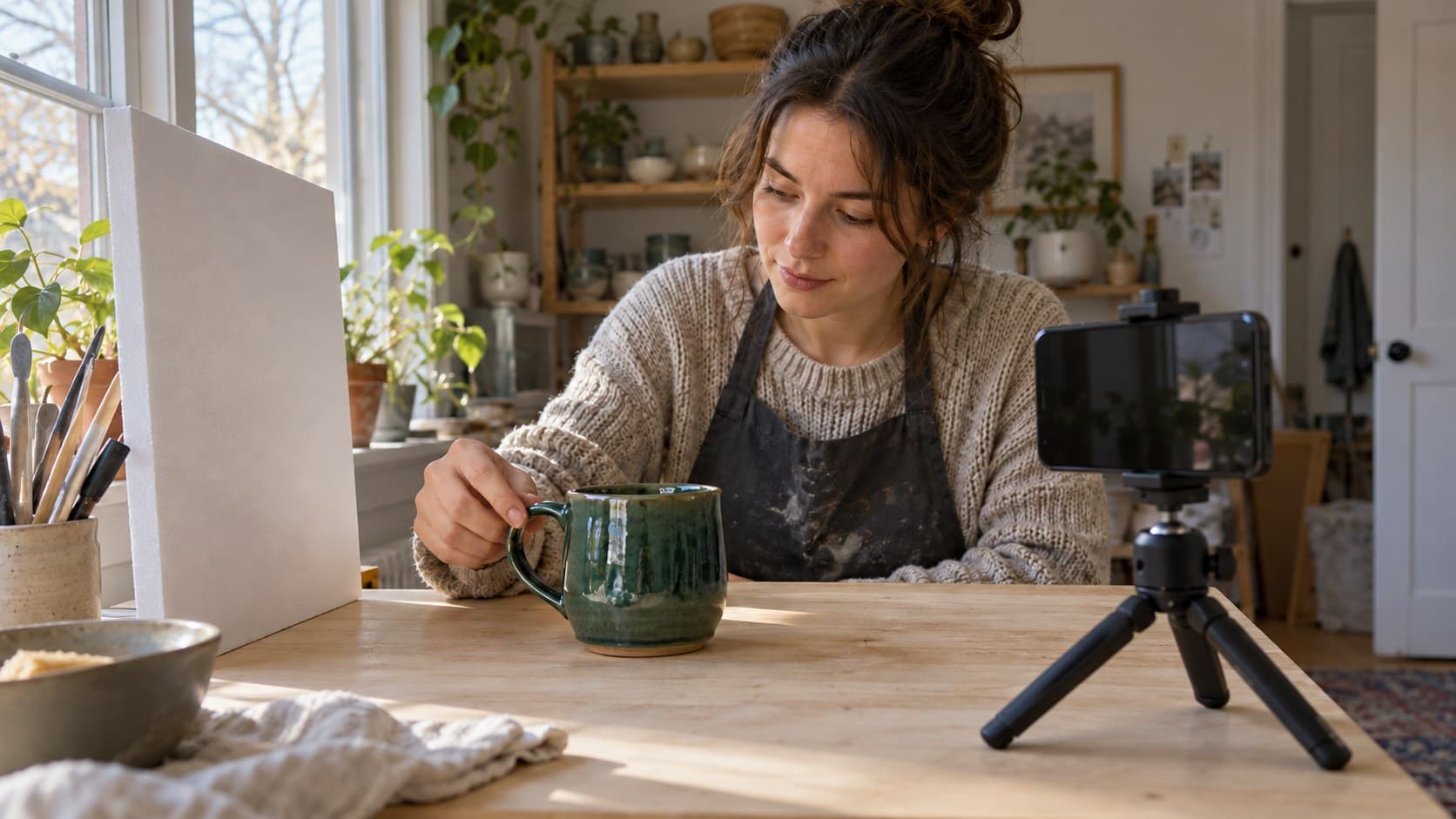
A hypothetical pottery demonstration
Imagine a pottery creator explaining the difference between a smooth handle join and a rough one. In the first clip, a bright window reflection crosses the join just as the creator points to it.
The creator keeps the phone still, rotates the mug slightly, and moves the pointing hand so it does not shade the feature. A second test shows the join clearly while retaining a soft highlight on the glaze.
The next post now has a concrete promise: “Check this spot before choosing a handmade mug.” It needs an establishing shot, a readable close-up, and a brief explanation of what the viewer should examine.
This is an illustrative filming scenario, not a customer result. The improvement is observable detail, not an invented increase in views or sales.
Turn the usable shot into a next-post plan
Clear footage is most useful when it serves a specific audience question. Write a brief with four parts: the viewer's decision, the visible evidence, the opening promise, and the action you want them to understand afterward.
InsightTok AI can help connect that brief to Next Post Studio's account-informed planning: a niche-relevant rising sound, hook options, and a suggested posting window. Use those suggestions to package a demonstration you can genuinely deliver, not to invent a product claim.
If the wording still feels vague, use the hook generator to explore alternatives. Choose the hook your footage supports. Keep any background sound from masking the explanation, and check that you have the appropriate rights for the post's use.
TikTok's official Studio guide describes account and video analytics, viewer activity times, and comment insights. Availability varies by interface and location. Use the metrics you actually have, alongside comments that reveal whether people understood the detail.
Compare similar demonstrations after the same observation period. Note the filming change, but do not conclude that lighting alone caused any performance difference; topic, opening, audience, and timing can also differ.
Your final pre-recording check
Before the full take, confirm that the target feature stays readable, the product's appearance is honest, and the light remains consistent through the movement. Save a reference photo of the setup so you can repeat it.
Learning to reduce glare in TikTok product videos should make your next demonstration easier to understand, not turn every post into a studio production. Fix the obstructing reflection, verify the evidence, and record the useful explanation.
When you are ready to pair that footage with a focused hook and posting plan, try InsightTok AI.
InsightTok AI Team
Expert in TikTok growth strategies and social media analytics. Helping creators reach millions with data-driven insights and AI-powered recommendations.
Ready to Grow Your TikTok?
Get AI-powered analytics and content recommendations to boost your views and engagement.
Start Free TrialRelated Posts
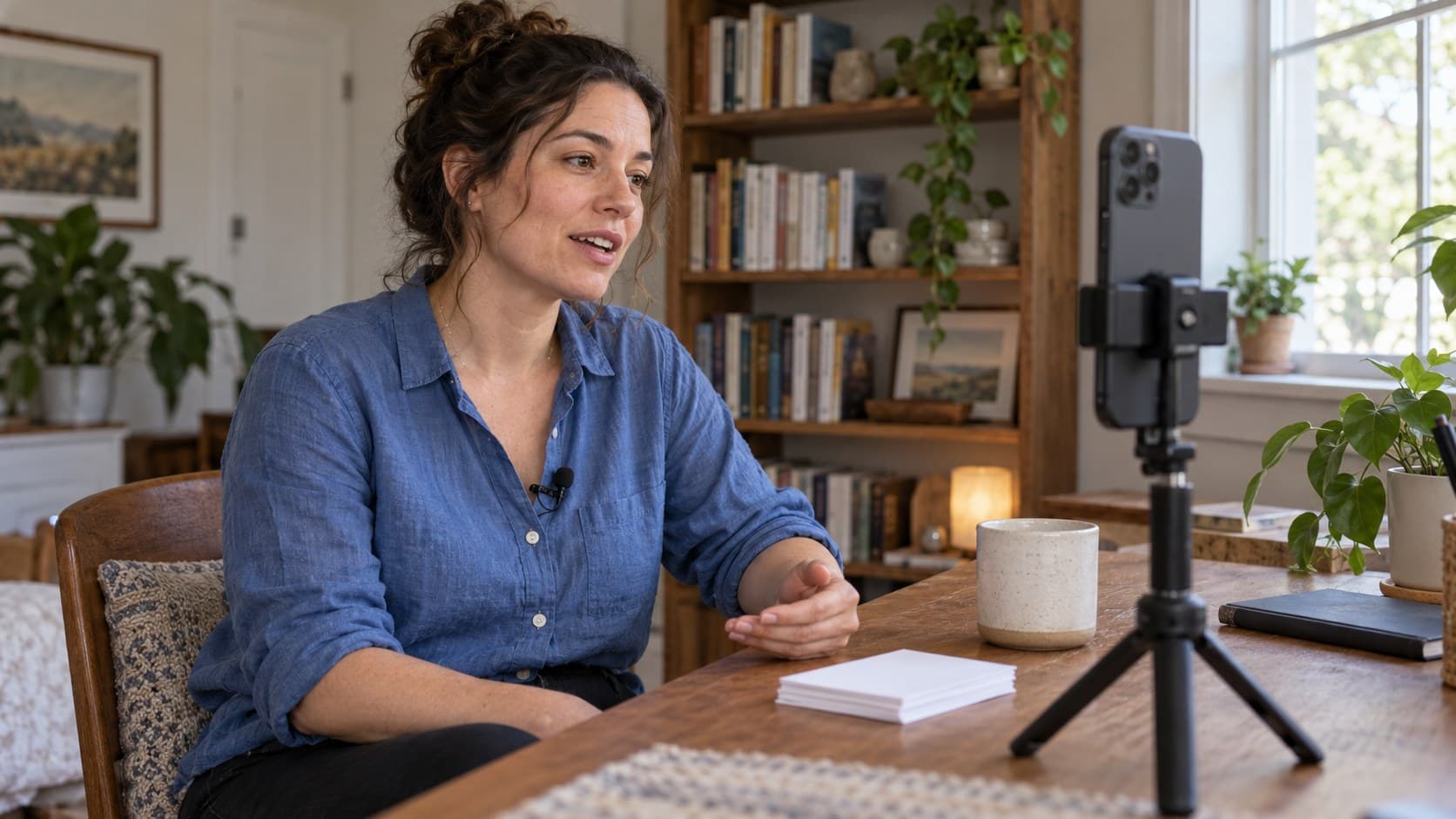
TikTok Jump Cuts: Remove Pauses Without Losing the Point
Learn how to make TikTok jump cuts that remove pauses without clipping speech, hiding steps, or making your next explanation harder to follow.
Why Your TikTok Creator Health Rating Was Downgraded Without Warning: The Account Health Diagnostic Framework to Identify Hidden Penalties, Restore Monetization Eligibility, and Recover Lost Income
InsightTok AI presents a guide to understanding and improving your TikTok Creator Health Rating, helping restore your monetization eligibility and recover lost income.
Why TikTok Creators With Chronic Illness Earn More Than Consistency-Obsessed Creators: The Energy-Based Monetization Framework
Unlock the power of low-energy TikTok monetization for creators with chronic illness. Discover the secret to earning $1500-$5000+ monthly without daily posting.