
Key Takeaways
What you'll learn in this article
- Build your footage list from the claim your next post makes, not from a collection of attractive filler clips.
- Give each shot a job: reveal the problem, show the action, expose a detail, compare alternatives, or verify the result.
- Record the evidence you cannot recreate before collecting optional atmosphere shots.
- Use account insights to choose the topic and posting window; use the shot list to make that plan filmable.
Key Takeaways
- Build your footage list from the claim your next post makes, not from a collection of attractive filler clips.
- Give each shot a job: reveal the problem, show the action, expose a detail, compare alternatives, or verify the result.
- Record the evidence you cannot recreate before collecting optional atmosphere shots.
- Use account insights to choose the topic and posting window; use the shot list to make that plan filmable.
A useful TikTok B-roll shot list connects each important sentence in your script to something viewers can actually see. Write the post’s promise, identify the evidence that supports it, and list the specific frames you need before recording. You do not need a cinematic montage. You need enough relevant footage to deliver the promise without hiding missing information behind pretty transitions.
This guide is for the moment when you know what you want to say but do not know what to film. The workflow below is a practical production method, not a claim that a certain number of cuts or camera angles earns algorithmic preference.
Start with the claim, not the camera roll
B-roll is supporting footage used alongside your main explanation. It might show the object you are discussing, a process in progress, a close-up, or the result of an action. In a voiceover-led post, that supporting footage may occupy most of the screen.
The common problem is a mismatch: the narration gives specific advice while the picture shows someone opening a laptop, pouring coffee, or walking into a room. Those images establish atmosphere, but they may not help a viewer understand or evaluate the advice.
Before filming, finish this sentence:
“After watching, this viewer will understand how to ___ because I will show ___.”
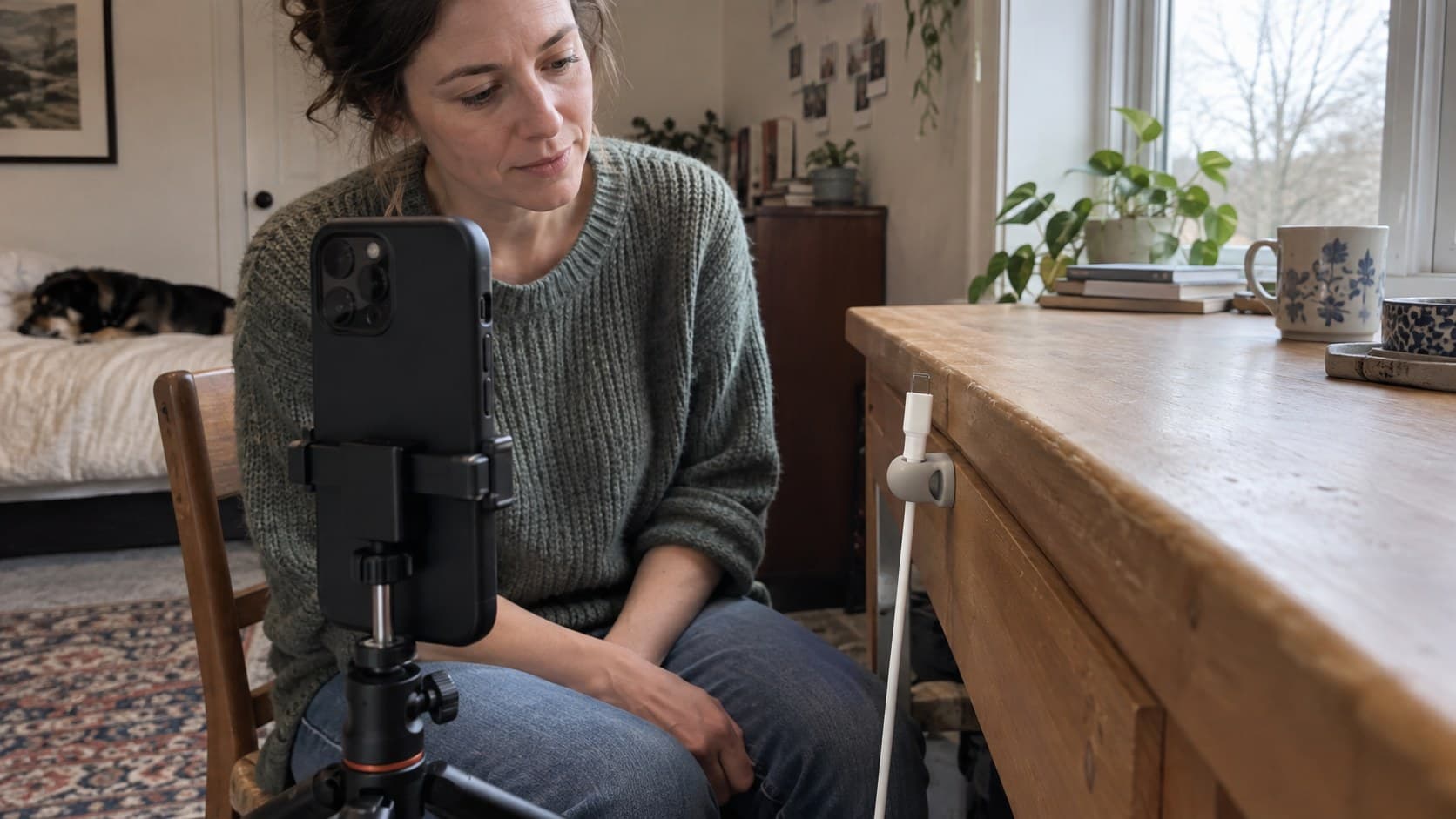
For a home-organization creator, that could be: “A renter will understand how to keep charging cables from slipping behind a desk because I will show the attachment point and a normal unplugging test.”
That sentence immediately rules out several unnecessary shots. A wide apartment tour does not prove the claim. A close-up of the attachment point does.
If the second blank is difficult to fill, narrow the promise. It is easier to support one observable improvement than a broad statement such as “this setup will change your life.”
Build a TikTok B-roll shot list around five useful jobs
You do not need every shot type in every video. Use this table as a menu, then remove anything that repeats information.
| Shot job | What the viewer needs to see | Question to ask before recording |
|---|---|---|
| Problem | The specific obstacle or starting condition | Can someone recognize the problem without my explanation? |
| Action | The movement or decision that changes it | Is the important action visible, rather than blocked by my hand? |
| Detail | The small feature that makes the method work | Am I close enough to show the exact point I mention? |
| Comparison | A meaningful difference between options | Are the framing and conditions fair enough to compare? |
| Result | A check that the promised outcome happened | Does this demonstrate success, or merely look finished? |
Add three fields to each selected shot: the matching script line, the camera position, and a completion check. “Film desk” is vague. “Side close-up of the cable remaining within reach after unplugging; keep the desk edge visible” tells you when you have captured enough.
Separate must-have evidence from optional atmosphere. If you run out of filming time, you should still have a complete explanation, not a beautiful introduction with no payoff.
A hypothetical next-post example
Suppose an organization creator wants to make a video about keeping one frequently used cable accessible. This is an illustrative production plan, not a customer case study or a measured performance result.
The hook might be: “My charger kept falling behind the desk, so I changed where it rests.” The claim is modest, visible, and easy to demonstrate.
A workable shot sequence would be:
- Problem: Show the disconnected cable slipping out of easy reach. Keep the desk edge in frame so the viewer understands the location.
- Setup detail: Show the chosen cable holder and its intended position before installation. Do not obscure the point of contact.
- Action: Record placing the holder on a suitable surface according to its instructions, then routing the cable through it.
- Result check: Plug in and unplug the device normally, showing where the cable ends up.
- Limitation: Show the relevant clearance or cable-fit detail if the method will not suit every setup.
Record the starting condition before changing the desk. Otherwise, you may finish the fix and discover that you no longer have honest footage of the original problem.
The final video does not need five separate scenes if one clear take covers two jobs. It also does not need an artificial failure staged to make the fix seem more dramatic. Show what the method actually does under ordinary use.
Capture footage that will survive the edit
Keep the meaningful action inside the frame
Use a vertical composition for a vertical post, then check the actual preview rather than assuming the subject is visible. Leave room for captions without placing the critical detail beneath them.
Start recording before the action begins and keep recording briefly after it finishes. This gives you room to trim without cutting away the moment that proves the point. The source clip can be longer than the final shot; there is no need to force your capture into an arbitrary cut length.
Preserve continuity where it affects credibility
For comparisons, keep the camera position and relevant conditions consistent. A brighter lamp, different surface, or closer angle can make an ordinary change appear larger than it is.
If you need to repeat an action for a close-up, avoid implying that separate takes are one uninterrupted test. For advice involving performance or product results, retain a clear full-action take as your reference.
Check the footage before dismantling the setup
Play back the must-have shots. Look for missed focus, hands covering the important part, reflections, and distracting background information. Check for private addresses, messages, or other people who have not agreed to appear.
A quick playback is more useful than discovering a missing detail after the location or starting condition is gone.
Edit for meaning before adding rhythm
Place the evidence shots against the matching explanation first. Cut when the information changes, when the viewer needs a closer view, or when an action is complete. Do not cut away halfway through the essential step merely to match a musical beat.
TikTok’s official editing guide describes tools for adding footage, trimming and splitting clips, reordering them, recording voiceovers, and adding overlays. Those tools can assemble this workflow without requiring a particular third-party editor; the controls you see may differ with your app version.
Use an overlay when it clarifies a relationship, such as keeping a small reference image visible during an explanation. Skip it when it makes the evidence too small to inspect.
Then listen to the narration while watching the cut. If you say “this edge” before that edge appears, move the image or rewrite the line. If a clip only fills a gap, ask whether the gap is actually an unnecessary sentence.
Music comes after the explanation works. A suitable sound can support the mood, but it cannot replace the missing proof of your central claim.
Connect the filming plan to an account-informed post idea
A TikTok B-roll shot list solves a production problem. It does not tell you whether the topic is useful to your audience. Make that decision first, using recurring questions and comparable posts rather than whatever happens to be easiest to film.
InsightTok AI can help at that earlier planning stage. Next Post Studio brings together suggested hooks, a niche-relevant rising sound, and an account-specific posting window. Treat that as a starting plan, then translate the selected hook into evidence you can realistically capture. It is not a substitute for filming or checking your claims.
If your hook promises a comparison, budget for comparison footage. If you only have footage of one option, narrow the hook instead of implying a test you did not perform. The free hook generator can also help you explore phrasing, but choose the version your footage can honestly support.
After publishing, use your available analytics to decide what to test next. TikTok Studio’s official documentation describes account and video analytics, including viewer activity and engagement insights. Availability varies, so work with the fields your account provides.
Compare posts with similar topics, formats, and lengths. Look at available viewing metrics alongside comments that reveal confusion or useful follow-up questions. One stronger post does not prove that a particular camera angle caused the result.
For the next test, change one important visual decision: show the result earlier, move closer to the crucial detail, or remove a redundant setup shot. Keep a note of the change so your review has a specific question to answer.
Your pre-filming checklist
Before picking up the phone, confirm:
- The post promises one clear, supportable outcome.
- Every essential claim has a matching evidence shot.
- The original condition is recorded before you change it.
- The important action remains visible at phone-screen size.
- Comparisons use fair framing and conditions.
- The ending verifies the result and acknowledges a relevant limitation.
The goal is not a larger camera roll. It is a smaller set of clips that makes one useful post possible. When you want help choosing the hook, sound, and posting window before building that list, create an InsightTok AI account.
InsightTok AI Team
Expert in TikTok growth strategies and social media analytics. Helping creators reach millions with data-driven insights and AI-powered recommendations.
Ready to Grow Your TikTok?
Get AI-powered analytics and content recommendations to boost your views and engagement.
Start Free TrialRelated Posts
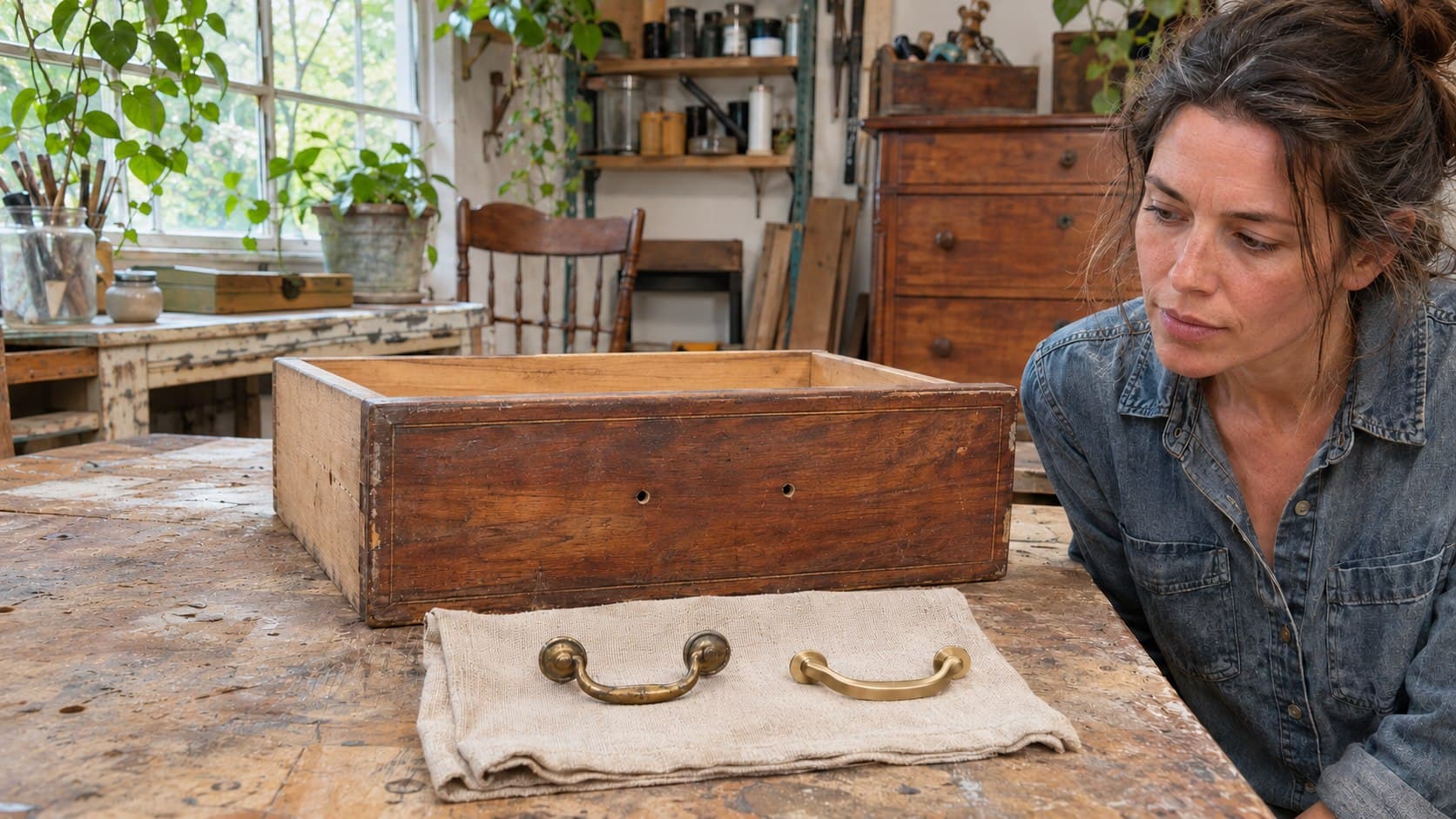
Furniture Restoration TikToks: Tell the Keep-or-Replace Hardware Story
A practical next-post plan for furniture creators: explain whether to keep original drawer pulls using condition, mounting fit, and design constraints.

Glaze Test Tile TikTok Videos: Show the Recipe, Not Just the Reveal
Make glaze test tile TikTok videos with clear layering order, clay and firing notes, and an honest recipe viewers can understand and test.
Why TikTok Search Traffic Generates Clicks but Zero Sales: A 2026 Search-to-Conversion Audit
Discover why TikTok search views and clicks often fail to produce sales. This practical audit framework helps creators target buyer intent, qualify viewers, improve funnels, and measure revenue.