

Key Takeaways
What you'll learn in this article
- CTA after explanation versus CTA after demonstration
- Three-minute recap intervals versus five-minute intervals
- “Shop now” versus a destination-specific CTA
- One featured product versus several rotating products
A busy livestream can feel successful until you check the results: hundreds of viewers, an active chat, and almost no link clicks. Improving TikTok LIVE link clicks conversion 2026 requires more than repeating “tap the link”—viewers need timely context, credible proof, and a clear reason to act now.
AI-assisted LIVE summaries can help creators deliver that context without constantly interrupting the broadcast. When used correctly, they turn product demonstrations, answers, and customer proof into concise recaps that help late arrivals understand the offer and take the next step.
Why Viewers Watch but Do Not Click
LIVE viewers behave differently from people watching a polished product video. They enter at random moments, split their attention between the host and chat, and may leave within seconds.
A viewer might arrive after you explained the product’s main benefit. Another may hear the price but miss the demonstration that justifies it. Even interested viewers can hesitate because they lack one critical piece of information.
Common conversion barriers include:
- Missing context: The viewer does not know what is being demonstrated.
- Unclear value: Features are discussed, but the practical benefit is not.
- Low trust: Claims are not supported by proof, testing, or customer results.
- Decision overload: Multiple products, discounts, and links compete for attention.
- Weak instructions: “Link in bio” does not explain what happens after the click.
- Poor timing: The call to action appears before interest or trust has been established.
- Repetition fatigue: The host repeats the same sales line until regular viewers tune it out.
The goal is not to pressure every viewer into clicking. It is to give qualified viewers the information they need when their intent is highest.
What Is an AI LIVE Summary?
An AI LIVE summary is a short recap generated from information shared during a livestream. Depending on your production setup and the tools available to your account, it can be prepared by an AI assistant and delivered through a moderator, on-screen graphic, pinned comment, spoken recap, or post-LIVE follow-up.
A useful summary answers four questions:
- What is being shown?
- Who is it for?
- What proof has been demonstrated?
- Why should the viewer click now?
For example, a weak recap might say:
“This serum is amazing. Tap the product link!”
A stronger recap would be:
“Quick recap: this fragrance-free serum is designed for dry, sensitive skin. We tested the texture under makeup and showed the ingredient label live. Tap the featured product to check the full ingredients and current price.”
The second version restores context, identifies the intended buyer, references visible proof, and sets an accurate expectation for the click.
AI Assistance Does Not Mean an AI Host
Creators do not need to replace themselves with a synthetic presenter. AI is most useful behind the scenes, where it can organize information and help a human host or moderator communicate more clearly.
Potential uses include:
- Converting demonstration notes into 15-second recaps
- Grouping repeated chat questions by theme
- Drafting accurate product summaries for moderators
- Identifying objections that remain unanswered
- Producing post-LIVE clips and captions
- Comparing click activity with specific LIVE segments
Always review AI-generated copy before publishing it. Prices, product specifications, medical claims, discount terms, and shipping details require human verification.
Build a Summary System Before You Go LIVE
AI cannot rescue an offer that has no clear value proposition. Before starting your broadcast, create a verified information sheet for each featured product or service.
Prepare a Product Truth Sheet
Your truth sheet should contain:
- Product name and current price
- Intended customer and use case
- Three verified benefits
- Demonstration plan
- Materials, ingredients, dimensions, or compatibility details
- Common limitations
- Shipping or booking information
- Promotion terms and expiration time
- Approved link destination
- Claims that must not be made
This document gives an AI assistant or human moderator reliable source material. It also reduces the risk of inventing details when the chat moves quickly.
Define One Conversion Goal
A LIVE should have one primary action for each segment. Asking viewers to visit a website, join an email list, follow the account, download a guide, and buy a product at the same time creates unnecessary friction.
Choose one measurable goal, such as:
- Open the featured product page
- Book a local consultation
- View available appointment times
- Claim an eligible promotion
- Compare sizes or product options
The call to action should describe that destination precisely. “Tap to see available Saturday appointments” is more persuasive than “Click my link.”
Create Recap Triggers
Do not wait until engagement declines to summarize. Plan recaps around predictable viewer behavior.
Useful triggers include:
- Every three to five minutes
- Immediately after a demonstration
- When a new product is featured
- After answering a major objection
- When concurrent viewership rises sharply
- Before a limited promotion ends
- When chat repeatedly asks the same question
Recap frequency should match the pace of the broadcast. Fast product rotations may need more frequent summaries, while an educational LIVE may benefit from fewer, deeper recaps.
Use the Context-Proof-Action Framework
A high-converting summary needs more than a list of features. Use the Context-Proof-Action framework to keep each recap focused.
1. Context
Tell new viewers what is happening.
“If you just joined, I’m testing three travel tripods for creators who film alone.”
2. Proof
Reference something viewers can verify.
“This model held a phone securely during the shake test, and it folds down to fit inside the small backpack shown here.”
3. Action
Explain what the click provides.
“Tap the featured item to check phone compatibility and today’s listed price.”
This structure respects the viewer’s decision-making process. It also prevents the call to action from sounding disconnected from the content.
Turn Chat Questions Into Conversion Summaries
Chat is a live record of buyer uncertainty. Instead of treating repeated questions as interruptions, use them to identify what the audience needs before clicking.
Suppose a fitness creator receives these questions:
- “Does the program require a gym?”
- “How long are the workouts?”
- “Is this suitable for beginners?”
- “What happens after I buy?”
An AI assistant could group them under access, time commitment, experience level, and fulfillment. The host can then deliver one verified recap:
“For everyone asking: the plan uses home equipment, most sessions take 25 minutes, and a beginner track is included. After purchase, the program is delivered through the member portal. Tap the link to review the weekly schedule before deciding.”
This is more efficient than answering each comment separately. It also improves the experience for silent viewers who have the same concerns but never type them.
A Realistic AI-Assisted LIVE Workflow
Consider Maya, a fictional skincare creator with 84,000 followers. Her weekly livestream averaged 720 concurrent viewers, but only 0.8% of unique viewers opened the featured product page.
Maya reviewed recordings and discovered three problems:
- Product benefits were explained only at the beginning.
- Calls to action appeared without demonstrations.
- Late viewers repeatedly asked whether the product contained fragrance.
For her next LIVE, Maya gave her moderator a verified product sheet and a set of AI-drafted recap templates. The moderator updated each summary using the demonstrations and questions that actually occurred.
During a 55-minute stream, Maya used this sequence:
- Demonstrated the serum’s texture on clean skin.
- Answered questions about fragrance and skin type.
- Delivered a 20-second Context-Proof-Action recap.
- Directed viewers to the product page for the full ingredient list.
- Repeated an updated recap after a makeup-layering test.
- Clarified that individual results vary and avoided unsupported treatment claims.
The next stream generated a 1.6% unique-viewer link-through rate—double the previous result. More importantly, product-page visitors spent longer reviewing the page, suggesting that clicks came from better-informed viewers rather than curiosity alone.
This fictional scenario illustrates the right objective: not simply more clicks, but more qualified clicks.
Measure the Moments That Produce Clicks
Optimizing TikTok LIVE link clicks conversion 2026 means analyzing segments, not just whole-stream totals. A single overall click-through rate cannot tell you which demonstration, answer, or recap changed viewer behavior.
Track these metrics when available:
- Unique LIVE viewers
- Average and peak concurrent viewers
- Average watch time
- Product or link clicks
- Click-through rate
- Add-to-cart actions
- Purchases, bookings, or leads
- Revenue per unique viewer
- Questions asked before and after each recap
- Viewer retention around calls to action
Record timestamps for every major demonstration, recap, offer change, and product switch. Compare click activity in the minutes before and after each event while recognizing that correlation does not always prove causation.
InsightTok AI can help you review profile views, engagement, and growth trends around your LIVE promotion strategy. You can also use TikTok analytics tools to compare the short-form videos that drive viewers into each broadcast.
Calculate Your Link-Through Rate
Use a consistent formula:
Unique link clicks ÷ unique LIVE viewers × 100
If 4,000 unique people watched and 72 opened the link, the link-through rate was 1.8%.
Do not compare broadcasts with different goals as if they were identical. A low-cost impulse purchase and a high-ticket consultation naturally produce different viewer behavior.
Test One Variable at a Time
Changing the host, product, offer, stream length, and call to action simultaneously makes your results difficult to interpret.
Run controlled tests such as:
- Spoken recap versus spoken recap plus pinned text
- Feature-led summary versus problem-led summary
- CTA after explanation versus CTA after demonstration
- Three-minute recap intervals versus five-minute intervals
- “Shop now” versus a destination-specific CTA
- One featured product versus several rotating products
Use at least several comparable LIVE sessions before declaring a winner. Audience composition, traffic sources, payday timing, and promotions can distort results from a single broadcast.
InsightTok AI’s best posting time analysis can help you schedule promotional content when your audience is more active. That does not guarantee LIVE conversions, but it can give your broadcast a stronger starting audience.
Mistakes That Reduce Trust
AI summaries should clarify a livestream, not manufacture urgency or proof.
Avoid these practices:
- Inventing stock levels or countdowns
- Claiming that “everyone is buying” without evidence
- Presenting AI-generated testimonials as real customers
- Hiding fees, subscription terms, or eligibility requirements
- Using fake questions to imply demand
- Making health, income, or performance guarantees
- Allowing summaries to contradict the host
- Automating chat responses without human review
- Repeating identical sales prompts every minute
Follow current TikTok policies, advertising rules, and disclosure requirements in every relevant market. Clearly disclose sponsored relationships and affiliate incentives where required.
A 30-Minute Plan You Can Use Today
You can improve your next broadcast without building a complicated production system.
Before the LIVE
- Choose one featured offer.
- Write a one-sentence audience statement.
- List three verified benefits and two limitations.
- Prepare one visual demonstration.
- Draft three Context-Proof-Action summaries.
- Verify the link on a mobile device.
- Assign a moderator to collect repeated questions.
During the LIVE
- Explain what viewers will learn within the first minute.
- Demonstrate before making a strong call to action.
- Summarize after each meaningful proof point.
- State exactly what viewers will find after clicking.
- Answer the most common objection directly.
- Note timestamps for recaps and click prompts.
After the LIVE
- Compare clicks around each recap.
- Review where viewers left.
- Identify unanswered questions.
- Turn the strongest demonstration into a short video.
- Update your truth sheet before the next session.
For additional planning support, use InsightTok AI’s AI content recommendations to identify content angles that can promote the next LIVE without repeating the same sales message.
Make Every Click Feel Like the Logical Next Step
The strongest approach to TikTok LIVE link clicks conversion 2026 is not louder selling. It is better-timed clarity.
Use AI to organize questions, summarize verified information, and identify moments of buyer intent. Keep a human in control of claims and delivery, then measure which combinations of context, proof, and action generate qualified traffic.
Before your next broadcast, create one truth sheet, prepare three recaps, and test one destination-specific call to action. Then analyze your TikTok performance and use the results to make the next LIVE more useful—and more profitable.
InsightTok AI Team
Expert in TikTok growth strategies and social media analytics. Helping creators reach millions with data-driven insights and AI-powered recommendations.
Ready to Grow Your TikTok?
Get AI-powered analytics and content recommendations to boost your views and engagement.
Start Free TrialRelated Posts
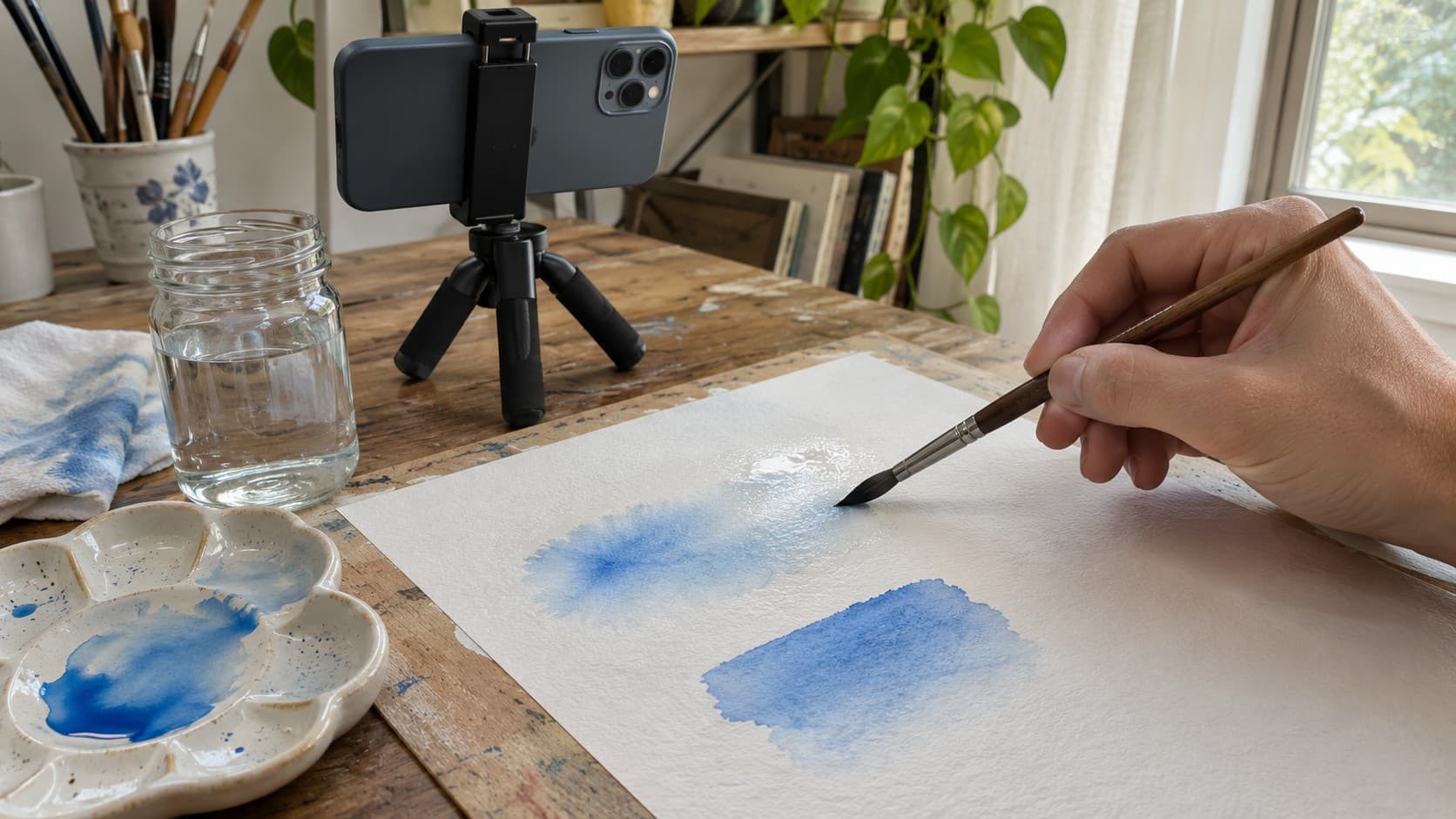
Watercolor TikTok Tutorials: Show Paper Wetness Before the Brushstroke
Make watercolor TikTok tutorials that show paper wetness, brush preparation, and pigment movement so viewers can understand the soft-edge decision.

Why TikTok’s Automated Moderation Rejected Your Video—and How to Appeal in 2026
TikTok video rejected without a clear reason? Learn how automated moderation works, what evidence to save, and how to submit a focused, policy-based appeal in 2026.

How TikTok Comments Generate 40% More Engagement but $0 Revenue: The 2026 Creator Framework
TikTok comments can reveal buyer intent without generating revenue on their own. This guide explains how to identify valuable questions, create conversion-focused replies, route viewers, and measure results.