
Key Takeaways
What you'll learn in this article
- Write the promise and essential facts exactly; use short speaking cues for explanations that can vary.
- Rewrite awkward sentences from a voice memo before blaming your confidence or buying equipment.
- Set prompting speed around your speaking pace, not the other way around.
- Choose the clearest accurate take, then review comparable published posts rather than treating rehearsal discomfort as audience data.
Key Takeaways
- Write the promise and essential facts exactly; use short speaking cues for explanations that can vary.
- Rewrite awkward sentences from a voice memo before blaming your confidence or buying equipment.
- Set prompting speed around your speaking pace, not the other way around.
- Choose the clearest accurate take, then review comparable published posts rather than treating rehearsal discomfort as audience data.
To read a TikTok script without sounding robotic, turn written paragraphs into spoken language, keep only the necessary lines word-for-word, and rehearse the transitions between ideas. Use a teleprompter or cue card as a reminder, not a pace setter. The goal is a complete, accurate explanation that sounds like you helping one person—not an impressive recital.
This guide is for educational creators who already know what they want to teach but become stiff when the camera starts. You do not need to switch to voiceover, improvise every fact, or manufacture mistakes to appear authentic. You need a script that supports delivery instead of competing with it.
Diagnose the friction before recording another take
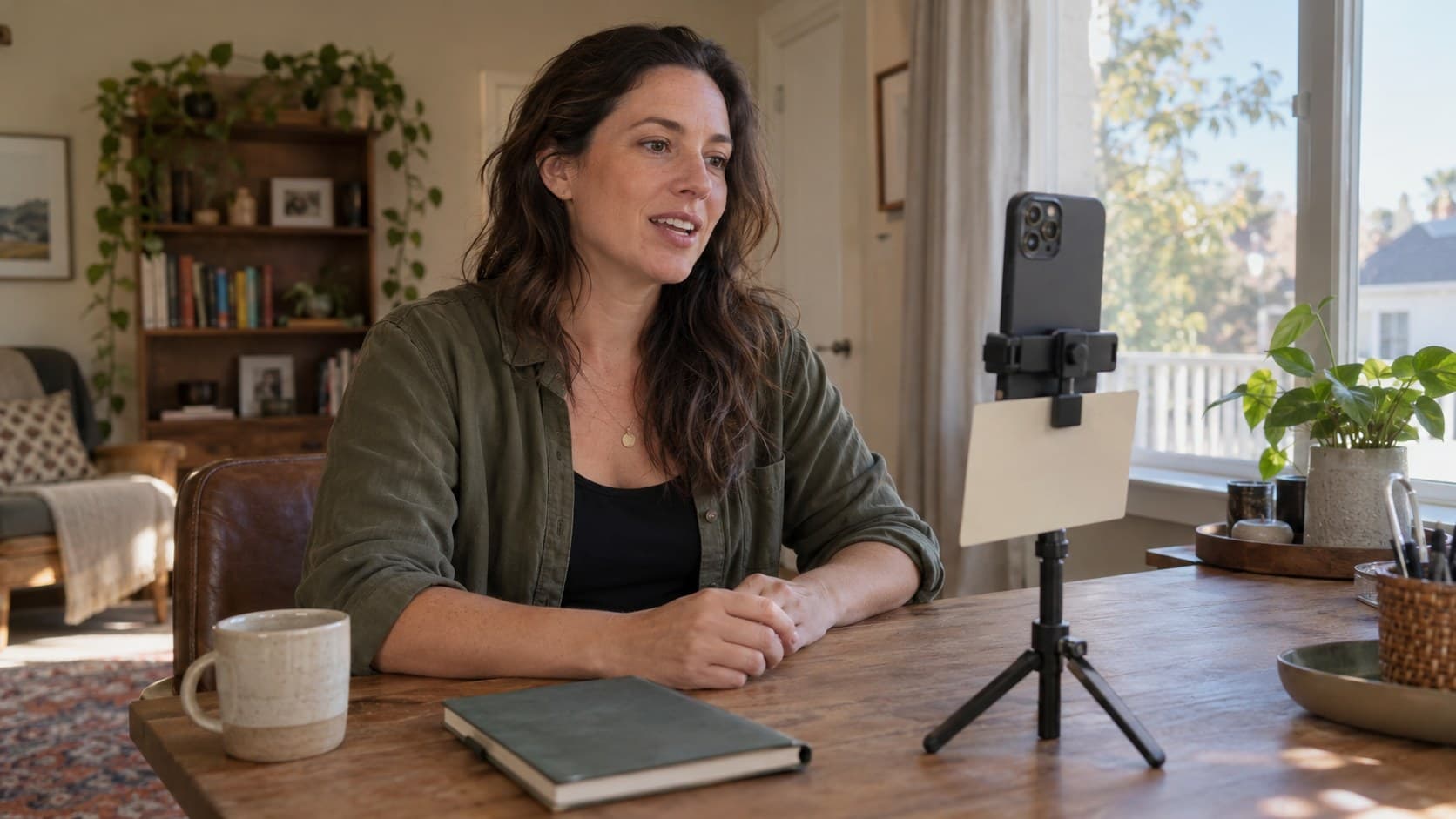
Listen to a short test recording without looking at the picture. Identify what actually sounds unnatural:
- Formal wording: you use phrases you would never say in conversation.
- Reading rhythm: every sentence lands with the same emphasis and length.
- Chasing text: the scroll moves before you finish the thought.
- Memory overload: you concentrate on the next exact word instead of the current idea.
- Missing structure: you know the subject but cannot explain where the answer is going.
Each problem needs a different fix. Formal wording needs rewriting. Chasing text needs slower or manual prompting. Missing structure needs a smaller explanation, not more confidence exercises.
Do not judge your accent, ordinary breathing, or natural speaking style as defects. Judge whether the intended viewer can understand the point. A polished delivery that buries the answer is less useful than a slightly imperfect explanation that makes sense.
Rewrite the script with your voice, not another writing pass
Pick one actual viewer question. Close the draft and answer it aloud as a voice memo, imagining someone who understands the basic context but needs this specific help.
Play it back and capture the phrases that sound clear. Remove repeated setup, unfinished detours, and information that belongs in a different video. Keep your ordinary vocabulary.
For example, this invented line reads like a document:
“Implementing a systematic approach to your desk organization can facilitate improved retrieval of frequently utilized items.”
A spoken version is easier to deliver:
“Keep the things you reach for every day in one tray.”
The second sentence is not better because it sounds casual. It is better because the viewer can picture the action. Do not replace precise technical language when that precision matters; explain the term rather than disguising it with vague slang.
Teleprompter Pro's delivery guide also recommends voice-memo drafting, reading aloud, and adjusting prompting settings to the speaker. That is practical equipment-vendor advice, not evidence of a TikTok ranking advantage.
Read the revised version aloud once. Any phrase that repeatedly trips you deserves an edit before another full recording attempt.
Separate fixed anchors from flexible speaking beats
A useful script has two types of material.
Fixed anchors protect the promise and accuracy
Write these out when exact wording matters:
- The opening promise.
- A definition or factual qualification that must not drift.
- A disclosure, when required for the content.
- A concise ending that completes the answer.
You can still rewrite an anchor before filming. “Fixed” means you have chosen the wording intentionally, not that the first draft is sacred.
If a safety limitation matters, keep it near the instruction it qualifies. Natural delivery is not a reason to drop a caveat. Avoid scripting medical, legal, or financial advice beyond your competence.
Flexible beats preserve the explanation
Between anchors, use cues that remind you what to explain or show. A cue should name an action or idea, not repeat an entire paragraph in smaller type.
For a hypothetical desk-organization tutorial, the beats could be:
- Show the items used daily.
- Put occasional-use supplies elsewhere.
- Demonstrate reaching for the tray.
- Explain the exception for shared desks.
This lets the wording change while the lesson remains stable. If bullet points make you ramble, return to a fuller script for that section. There is no prize for using fewer notes.
The most useful way to read a TikTok script is often a hybrid: exact anchors, flexible explanation, and a visible reminder of the ending.
Put the prompt where it helps rather than distracts
Start with the equipment you already have. A small cue card close to the lens may be enough for a short explanation. A teleprompter can be useful when the script contains wording you cannot safely paraphrase.
For either setup, record a brief test and check these details:
- Can you read comfortably without leaning or squinting?
- Is the text close enough to the lens that you are not continually looking far away?
- Are the lines narrow enough to avoid obvious left-to-right scanning?
- Can you pause after an important idea without losing your place?
- Does the setup leave the demonstration visible?
Adjust font size, margins, distance, and scrolling speed together. There is no universal font size or scroll setting because devices, eyesight, and framing differ.
If you keep racing, stop the scroll and work in short sections. If you keep losing the next line, simplify the layout. Buying a larger device before testing these changes can leave the actual problem untouched.
Do not force continuous eye contact or choreograph every gesture. Look toward the viewer while addressing them; look at the object when demonstrating something. The movement should serve the explanation.
Rehearse three different jobs instead of repeating one mistake
Use a short rehearsal sequence with a different purpose for each pass. Three passes are a suggested working limit, not a performance rule.
Pass one: check meaning
Explain the idea from your beats without worrying about the final wording. Did you deliver the promised answer? Did you leave out a prerequisite? Correct the structure now.
Pass two: check speaking comfort
Use your chosen prompting method. Notice where you run out of breath, rush, or sound like you are quoting someone else. Shorten a sentence or add a pause between complete thoughts. Do not add random filler words to imitate spontaneity.
Pass three: check the viewer experience
Record a usable take. Watch at phone size and listen on ordinary speakers. Check the opening, the most important instruction, and the ending. Ask whether each one is understandable without reading your notes.
Choose an accurate, audible take that completes the promise. If none does, name the specific problem before recording again. “I hate how I look” is not a script revision; “the exception comes too late” is.
For longer explanations, record separate sections with natural stopping points. Keep enough context around each section that editing will not change the meaning.
A hypothetical before-and-after script
Imagine a beginner cooking creator explaining how to prepare ingredients before starting a recipe. This example illustrates the method; it is not a customer result.
The first draft says:
“Today I am going to be discussing the importance of preparation and how it can be beneficial for people who experience difficulty managing several cooking tasks simultaneously.”
The revised anchor says:
“If you keep stopping the recipe to chop something, prepare these ingredients before you turn on the heat.”
The flexible beats are: show the recipe's ingredient list, identify what needs chopping, arrange those ingredients, and explain which items should stay refrigerated until needed.
The ending is: “Read the steps once, then prepare what the first stage needs.”
The creator has not added a dramatic claim or hidden important food-handling context. They have replaced an announcement about teaching with the actual problem and action. The demonstration now gives the speaking cues a visible purpose.
If you need alternate openings, try the free TikTok hook generator, then say each candidate aloud. Keep the one you can deliver honestly and that the footage will fulfill.
Connect better delivery to a better next-post decision
Rehearsal tells you whether you can deliver the explanation. It does not tell you how viewers will respond. A familiar script can feel dull to you after repeated takes even when the topic is new to your audience.
After publication, review comparable posts with similar topics, formats, runtimes, and observation periods. Look at available viewing and engagement metrics, plus comments that reveal whether people understood the lesson. One stronger post does not prove that cue cards or a different pause caused the result.
TikTok's official Studio guide describes account and video analytics, including viewer activity times and engagement insights. Use the fields your interface provides; access and tools can vary.
InsightTok AI can help with the surrounding planning decisions. Next Post Studio brings together hook options, a niche-relevant rising sound, and an account-specific posting window. Treat those as inputs to your next brief, not as instructions to use wording that sounds unlike you. For a speech-led lesson, any added audio should leave the explanation easy to hear.
Before you read a TikTok script for the next recording, write down one delivery change worth keeping: shorter clauses, clearer cues, or slower prompting. Pair that with one audience question. You now have a repeatable starting point rather than another blank page.
If you want help assembling the hook, sound, and posting window around that idea, create an InsightTok AI account.
InsightTok AI Team
Expert in TikTok growth strategies and social media analytics. Helping creators reach millions with data-driven insights and AI-powered recommendations.
Ready to Grow Your TikTok?
Get AI-powered analytics and content recommendations to boost your views and engagement.
Start Free TrialRelated Posts
Why Brands Never Specify Usage Rights in TikTok Deals: A Guide to Creator Rights Negotiation
This guide to creator rights negotiation helps TikTok creators understand usage rights, negotiate better deals, and earn an extra $200-$800+ monthly from properly priced exclusivity clauses.
Why Your Creator Profile Is Invisible to TikTok's AI Brand Discovery System in 2026: The AI-Optimized Creator Portfolio Framework to Get Found by Branded Buzz, Attract Higher-Value Sponsorships, and Earn $1000-$3000+ Monthly From Systematic Brand Matching Without Chasing Sponsorships
This article explores how to optimize a TikTok creator profile for the platform's AI Brand Discovery System and how InsightTok AI can assist in the process.
Why Your Brand Deal Payments Are Getting Held Up or Undercut in 2026: The TikTok Creator Payment Verification Framework
This post outlines why TikTok creators experience brand deal payment delays and introduces a strategy to negotiate faster payouts, avoid tax withholding penalties, and secure fair rates.